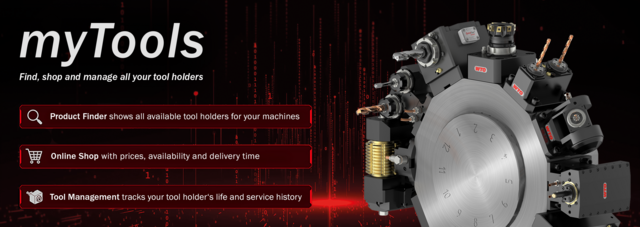
Finding and purchasing new tool holders for your turning centers has never been faster, easier and more convenient.
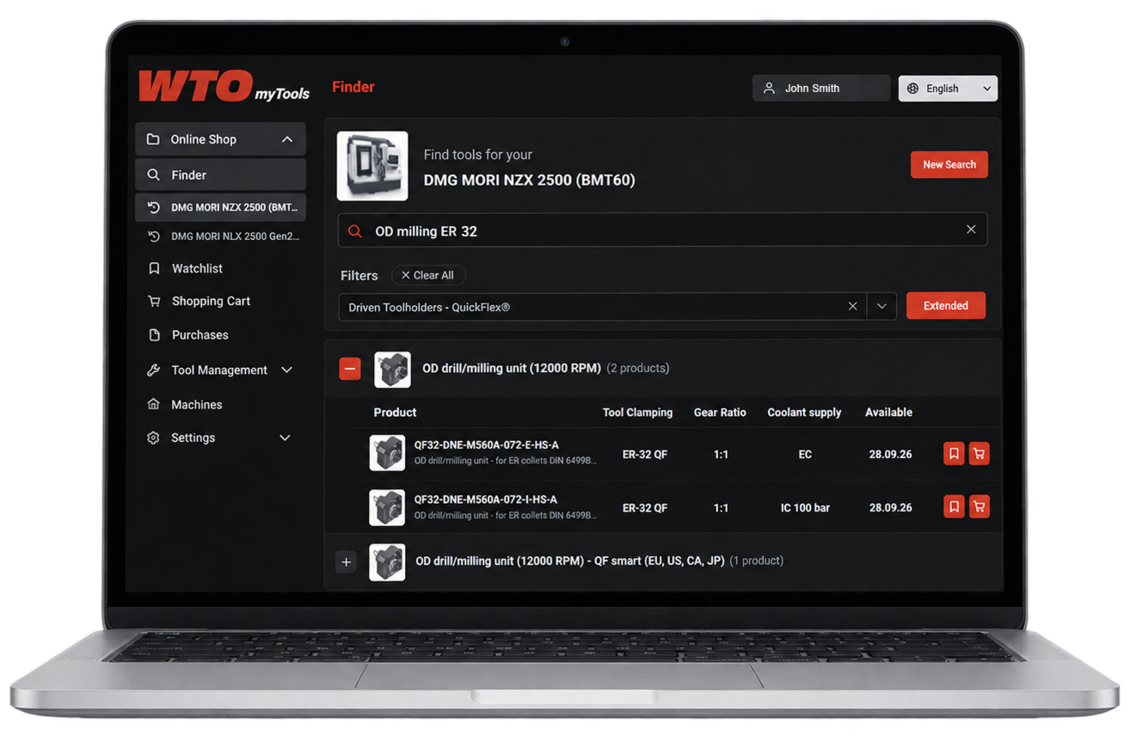
Simply type the name of your machine into the Product Finder, select the right model and view all available tool holders. You can add products to the watchlist, request a quote or add them to the shopping cart.
Instead of writing an inquiry, registered customers in the US can now access prices, lead time and technical details of WTO tool holders – anytime.
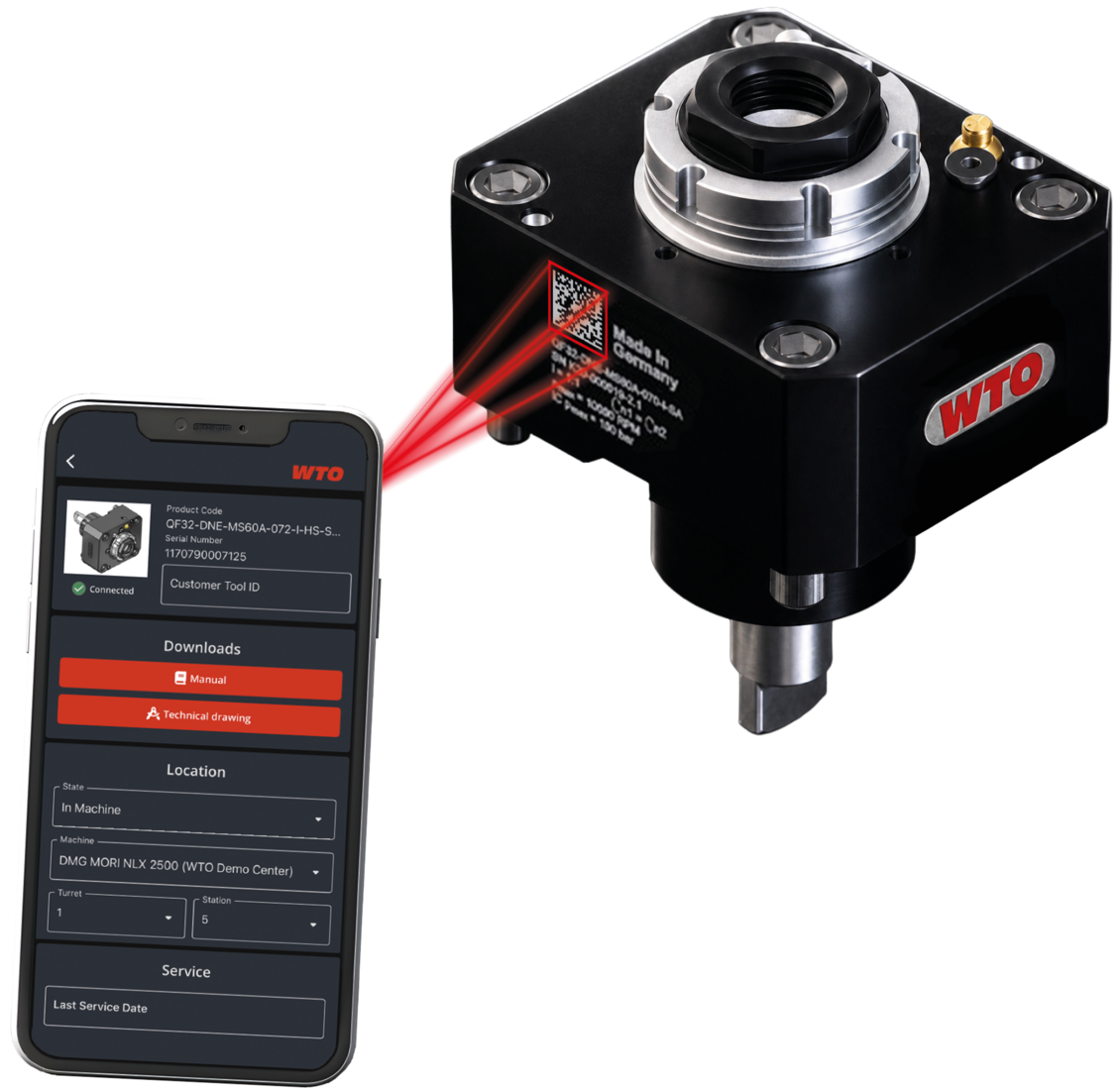
As your machine park grows, so does the number of tool holders in use. At some point, it becomes difficult to keep track of the availability of different holders, their age and required service intervals.
myTools Tool Management addresses this issue by enabling you to assign tool holders to specific machine models in your factory, set service intervals, and specify whether a tool holder is currently active, in inventory or in service. Simply add a tool holder to myTools by scanning its DMC code using the WTO Scanner app.
Using the Scanner app, you can access all relevant technical details, operation manuals and drawings with your mobile devices.